What this guide helps you do
Leave an order-based review after successful fulfillment, understand the review edit window, and use Partner's separate Reviews and Messages areas as an operator.
New-review alerts appear in Partner Notifications and open Reviews. Read history is personal, so viewing another owner's authorized store history does not clear that owner's unread alerts. See Notifications.
Before you start
Customers need the private order link and a successfully completed, delivered, or picked-up order with reviews enabled. Operators need the relevant read/reply permissions on the store.
Where to find it
Customer reviews appear on the private status page when eligible. Operators use Partner → Reviews and Partner → Messages; on a phone open More.
Step by step
-
As customer, open the private order page after successful fulfillment: Completed for a restaurant, Delivered for a shop delivery, or Picked up for pickup.
-
If Leave review is offered, choose the stars, enter the requested display name and honest review text, and submit once.
-
If editing your existing review, use its Edit control while it is still available. Reviews lock 48 hours after first posting; the screen explains when editing has ended.
-
As operator, open Reviews, find the relevant review, and read the score/text before using the offered reply control.
-
Write a useful reply without copying private order or contact details into public text. Save/send the reply and check it appears.
-
For a customer contact message, enable/use the storefront Contact form and submit its requested name/contact/message fields.
-
Operators open Messages for the same store and inspect the received message. Use the offered email/call/contact information to respond through the appropriate existing channel.
-
Treat Messages as a received-contact inbox, not a live chat with guaranteed instant delivery of an in-app reply.
-
Check storefront section visibility if public reviews/contact are not displayed; hiding a section does not delete received records.
Understand the choices
-
Review eligibility depends on successful terminal fulfillment and the owner's enabled customer action. Shipped or Ready for pickup is still awaiting handover.
-
The 48-hour edit window starts at first posting, not at the latest edit.
-
Public review text/replies can be visible on the storefront. Contact messages and their addresses remain an authorized operator read.
-
A star rating is feedback, not a payment dispute or automatic refund request.
Check the result
An eligible review and authorized reply appear in the correct place, while contact messages are read in the store's separate operator inbox.
If something goes wrong
-
Review form absent: check fulfillment success, customer view, and the owner's review action setting.
-
Review read-only: its edit window ended; do not create a second review to bypass the lock.
-
No reply button: your store permission may be read-only.
-
Contact message missing: verify the correct store, successful form submission, and enabled contact section.
Screenshots
These screenshots use demonstration data. Your names, amounts and available controls may differ. Current values on your own screen take priority.
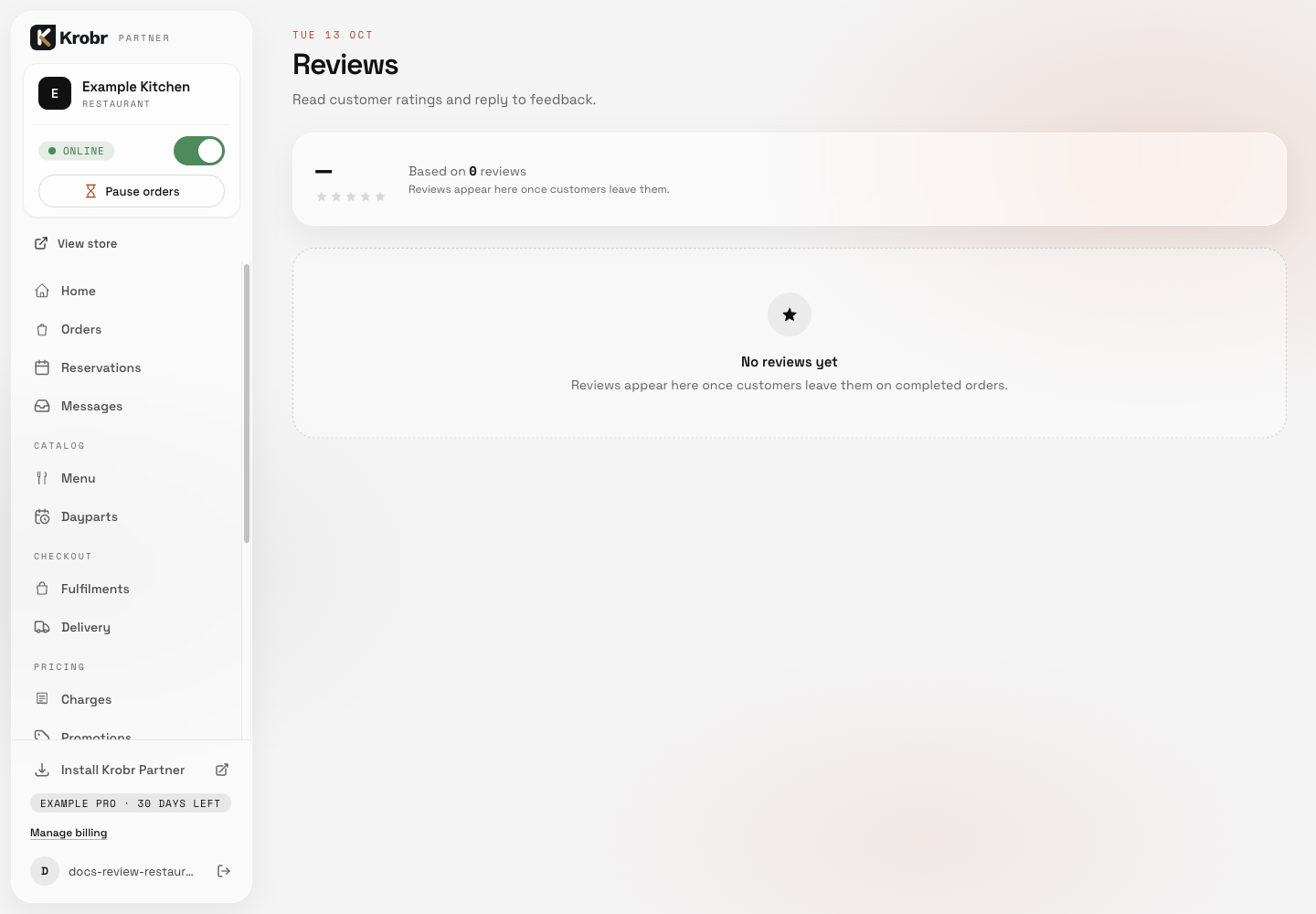
Leave reviews, reply to them, and read contact messages: find the controls in this example screen and follow the numbered instructions above. Retained English example from 13 October 2026. The Partner account area now also includes Language, which is not shown in this dated sidebar; follow the numbered steps for the current screen.
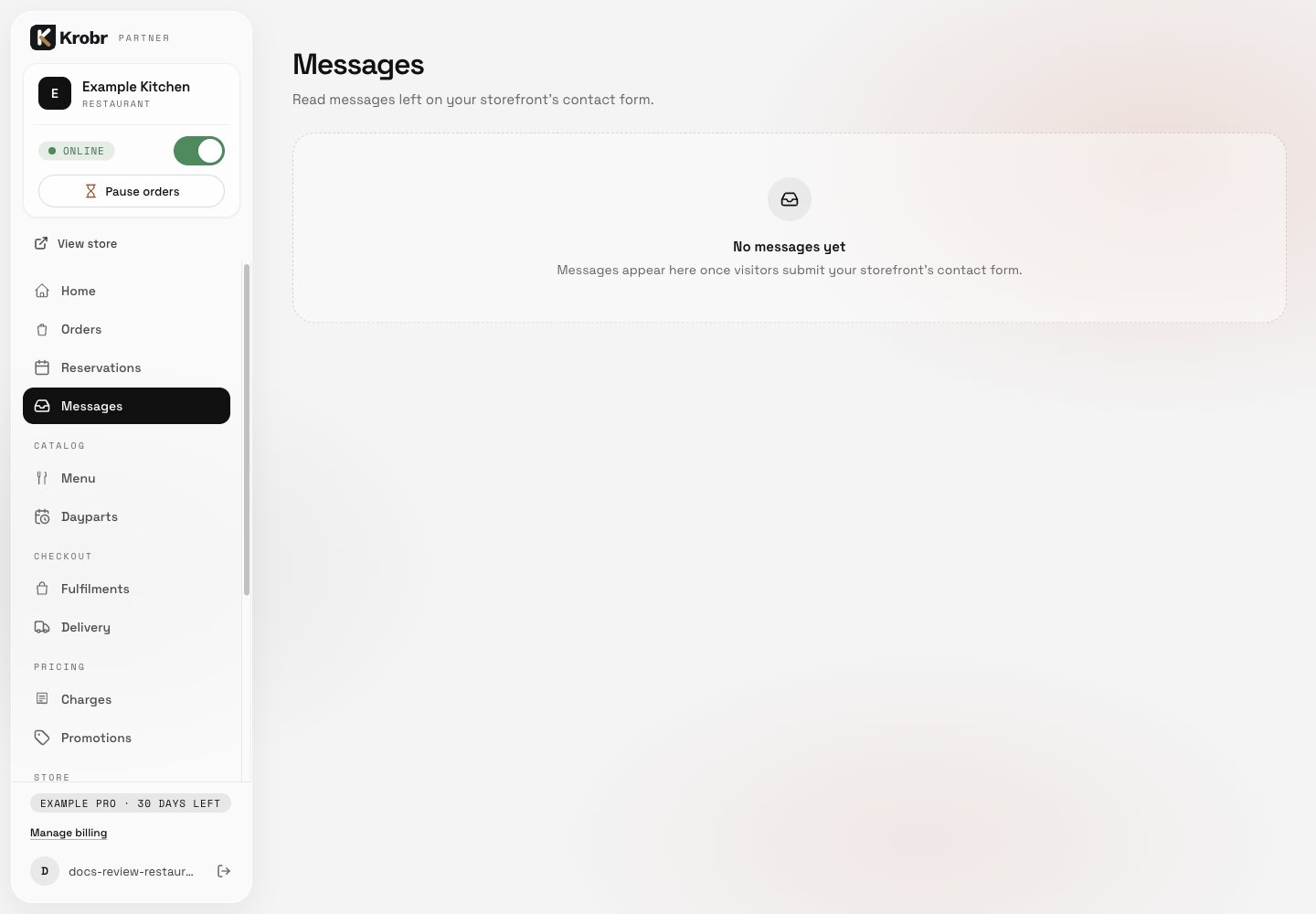
Leave reviews, reply to them, and read contact messages: find the controls in this example screen and follow the numbered instructions above. Retained English example from 13 October 2026. The Partner account area now also includes Language, which is not shown in this dated sidebar; follow the numbered steps for the current screen.